DcbEventLog
For a short summary of DcbEventLog, see Reventless Components Overview.
This component follows the Reventless Component Structure Pattern, using separate files for interface definitions (DcbEventLog.res), builder logic (DcbEventLog_Builder.res), operations (DcbEventLog_Operations.res), tag utilities (DcbTag.res), and adapter interface (DcbEventLog_Adapter.res).
Overview
The DcbEventLog (Dynamic Consistency Boundary Event Log) is the shared event storage component used by DCB state change slices. It provides append-only event storage with tag-based querying and optimistic concurrency control.
Purpose and Responsibilities
- Responsibility: Store events durably in append-only fashion; enable tag-based queries for building decision models; publish events to EventTopic for fan-out to subscribers; handle optimistic concurrency conflicts
- In: Events from StateChangeSlices (via
appendoperation) - Out: Events to EventTopic (automatic publishing); events to StateChangeSlices (via
readoperation) - Key Feature: Supports tag-based querying for efficient decision model building, with automatic index creation from tagged fields
Relationship with DCB
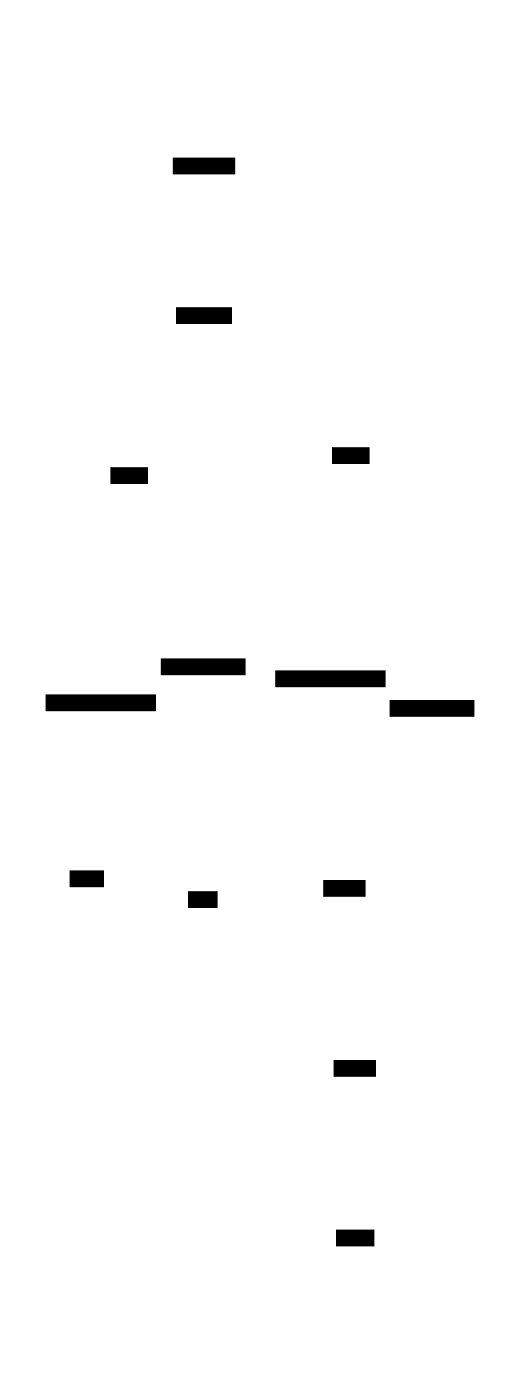
The DcbEventLog is a core component of the DCB architecture:
Module Types
DcbEventLog.Spec
Defines the event type for the DCB event log:
module type Spec = {
  @schema
  type event
}
The event type is a variant type where fields marked with @s.matches(DcbTag.string) or @s.matches(DcbTag.int) become DCB tags used for querying.
DcbEventLog.T
The component interface:
module type T = {
  module Spec: Spec

  type component = component<operations<Spec.event>>

  let make: (~name: string, ~opts: Pulumi.ComponentResource.options=?) => component
}
Operations
The DcbEventLog provides two primary operations:
type operations<'event> = {
  read: read<'event>,
  append: append<'event>,
}
Read Operation
Reads events from the log based on a tag query:
type read<'event> = (
  ~query: DcbTag.query,
  ~after: DcbTag.sequencePosition=?,
) => promise<readResult<'event>>

type readResult<'event> = {
  events: array<sequencedEvent<'event>>,
  headPosition?: DcbTag.sequencePosition,
}
Parameters:
query: Array of query items specifying event types and/or tags to filter byafter: Optional sequence position to read after (for pagination or replay from specific point)
Returns:
- Array of sequenced events (with position, event, and tags)
headPosition: The position of the last event (used for optimistic concurrency)
Append Operation
Appends new events to the log:
type append<'event> = (
  array<'event>,
  ~condition: DcbTag.appendCondition=?,
) => promise<result<DcbTag.sequencePosition, string>>
Parameters:
events: Array of events to appendcondition: Optional optimistic concurrency condition
Returns:
Ok(position)with the new sequence position on successError(message)on failure
DcbTag System
The DcbTag system enables efficient tag-based querying of events.
Tag Types
type tag = {key: string, value: string}

type queryItem = {
  eventTypes?: array<string>,
  tags?: array<tag>,
}

type query = array<queryItem>

type sequencePosition = string

type appendCondition = {
  query: query,
  after?: sequencePosition,
}
Tag Annotation
Fields in event types are marked as DCB tags using special schema annotations:
module MyDcbEventLogSpec = {
  @schema
  type event =
    | ItemCreated({itemId: @s.matches(DcbTag.string) string, name: string})
    | ItemRenamed({itemId: @s.matches(DcbTag.string) string, newName: string})
    | CountUpdated({category: @s.matches(DcbTag.string) string, amount: @s.matches(DcbTag.int) int})
}
The @s.matches(DcbTag.string) and @s.matches(DcbTag.int) annotations mark fields as queryable tags. Tags can be applied to both scalar fields and array element types:
// Scalar tag (single-entity queries)
| ItemCreated({itemId: @s.matches(DcbTag.string) string, name: string})

// Array tag (cross-entity queries — automatic per-element OR clauses)
| PlaceOrder({
    orderId: @s.matches(DcbTag.string) string,
    productId: array<@s.matches(DcbTag.string) string>,
  })
PPX Field Annotations
In slice files (or files with @@reventless.dcbTags), the PPX auto-tags *Id: string and *Ids: array<string> fields. Three field annotations give fine-grained control:
| Annotation | Effect |
|---|---|
@partitionTag | Marks the field of a produced event as the DCB partition key (DcbTag.partition). The partition key is otherwise inferred per slice from the slice graph (the ids on the events it writes, minus the ids it reads from other slices' events); the annotation is required only where that leaves more than one candidate, such as a join. Dcb_Builder fails on one that contradicts inference and logs one that agrees with it as redundant. |
@compositePartitionTag | Marks a string field as one segment of a multi-field composite partition key. Fields are joined in declaration order with a configurable separator (default "/"). Use @compositePartitionTag(":") to set a different separator after that field. Requires ≥ 2 annotated fields; cannot be combined with @partitionTag. |
@noDcbTag | Suppresses auto-tagging on a *Id field that is payload data, not a DCB key. |
@dcbTag | Explicitly opts in a field that doesn't follow *Id naming (e.g. sku, slug). |
// A join: both ids are the slice's own, so inference cannot choose
@schema
type event =
  | ProductDemandRecorded({
      @partitionTag productId: string,  // partition key
      orderId: string,                  // still a queryable DCB tag
    })

// Payload that is not a DCB key
@schema
type event =
  | NoteAdded({
      noteId: string,
      @noDcbTag authorId: string,        // payload only, not a DCB tag
    })

// Composite partition key from multiple fields (joined in declaration order)
@schema
type event =
  | PluginSynced({
      @compositePartitionTag environment: string,   // "/"  after
      @compositePartitionTag platformName: string,  // "/"  after
      @compositePartitionTag pluginName: string,    // last — sep ignored
      version: string,
    })
// Partition key: e.g. "prod/acme-platform/billing"

// Non-*Id field as a DCB tag
@schema
type event =
  | SkuAdded({
      @dcbTag sku: string,
      name: string,
    })
These annotations work in any @@reventless.spec or @@reventless.behavior file, regardless of whether dcbTags auto-inference is active.
Available Tag Schemas
// String tag - for textual identifiers (scalar or array elements)
let string: S.t<string> = S.string->S.Metadata.set(~id=dcbTagId, true)

// Integer tag - for numeric identifiers
let int: S.t<int> = S.int->S.Metadata.set(~id=dcbTagId, true)
Tag Extraction Functions
The DcbTag module provides functions for working with tags:
// Extract tags from an event/command instance
let extractTags: (schema: S.t<'a>, value: 'a) => array<tag>

// Extract tags with array expansion (per-element tags for tagged arrays)
let extractTagsExpanded: (schema: S.t<'a>, value: 'a) => array<tag>

// Build a query automatically from a command value and its schema
// Detects tagged arrays → cross-entity OR clauses; scalar-only → single AND clause
let buildQueryFromCommand: (~eventTypes: array<string>, ~schema: S.t<'a>, ~value: 'a) => query

// Check if a schema has any tagged array fields
let hasTaggedArrayFields: (schema: S.t<'a>) => bool

// Extract all tagged field names from a schema
let extractTaggedFields: (schema: S.t<'event>) => array<string>

// Extract event type names from event schema
let extractEventTypes: (schema: S.t<'event>) => array<string>

// Check if a schema field is tagged
let isTagged: (fieldSchema: S.t<unknown>) => bool

// Check if a schema field is a tagged array
let isTaggedArray: (fieldSchema: S.t<unknown>) => bool
Index Creation
The DcbEventLog automatically creates DynamoDB indexes based on tagged fields:
// From DcbEventLog_Builder.res
let indexes: array<string> = {
  let taggedFields = DcbTag.extractTaggedFields(Spec.eventSchema)

  // Create single-tag indexes: tag_itemId, tag_category, etc.
  let singleTagIndexes = taggedFields->Array.map(tagKey => `tag_${tagKey}`)

  // Add composite index if there are multiple tagged fields
  let compositeIndex = if taggedFields->Array.length > 1 {
    ["tag_composite"]
  } else {
    []
  }

  Array.concat(singleTagIndexes, compositeIndex)
}
This enables efficient queries by individual tags or combinations of tags.
Optimistic Concurrency Control
The DcbEventLog supports optimistic concurrency through conditional appends:
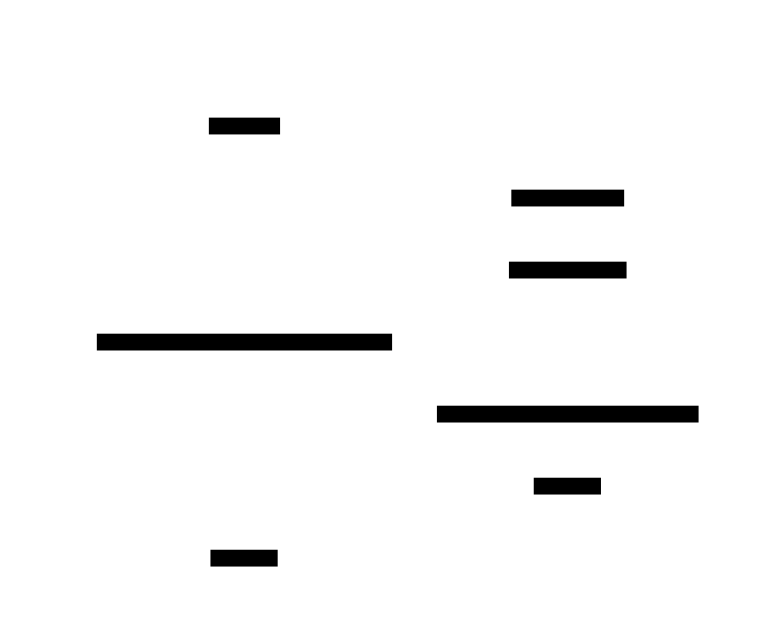
The flow:
- Read: Query events and capture
headPosition - Decide: Process command against accumulated state
- Append with condition: Include
headPositionin the append condition - Conflict detection: If another process appended events after
headPosition, the conditional write fails - Retry: StateChangeSlice retries with a fresh read (up to 3 times)
Pulumi Outputs
type outputs = {
  resources: array<Reventless.Adapter.resource>,
  eventTopic: EventTopic.outputs,
}
Resources:
- DynamoDB table for event storage
- Secondary indexes for tag queries
- SNS topic for event publishing
- IAM roles for DynamoDB and SNS access
Example Usage
Defining Event Log Spec
module MyDcbEventLogSpec = {
  @schema
  type event =
    | ItemCreated({itemId: @s.matches(DcbTag.string) string, name: string})
    | ItemRenamed({itemId: @s.matches(DcbTag.string) string, newName: string})
    | ItemDeleted({itemId: @s.matches(DcbTag.string) string})
}
Querying Events
// Read all ItemCreated and ItemRenamed events for a specific itemId
let result = await dcbEventLog.read(
  ~query=[{
    eventTypes: ["ItemCreated", "ItemRenamed"],
    tags: [{key: "itemId", value: "item-123"}],
  }],
)

// Access events and head position
let events = result.events
let headPosition = result.headPosition
Appending Events
// Simple append (no concurrency control)
let position = await dcbEventLog.append([
  MyDcbEventLogSpec.ItemCreated({itemId: "item-123", name: "Test Item"}),
])

// Conditional append (optimistic concurrency)
let position = await dcbEventLog.append(
  [MyDcbEventLogSpec.ItemRenamed({itemId: "item-123", newName: "New Name"})],
  ~condition={
    query: [{eventTypes: ["ItemCreated", "ItemRenamed"], tags: [{key: "itemId", value: "item-123"}]}],
    after: previousHeadPosition,
  },
)
Related Components
- StateChangeSlice - Processes commands against the DcbEventLog using a decision model
- CommandTopic - Routes commands to StateChangeSlices
- Plugin - Creates and manages DcbEventLog for DCB plugins
- EventCollector - Consumes events published by DcbEventLog
- EventTopic - Distributes events to subscribers
- ReadModel - Builds projections from DcbEventLog events
Architecture Documentation
For deeper understanding of DCB architecture:
- DCB Architecture - Complete DCB architecture overview
- StateChangeSlice — how to write one